2.0 Potential Client
2.1 My Potential Client
Figure 2.1.0 below shows the way to My Potential Client page :

Figure 2.1.0Figure 2.1.1 below shows My Potential Client interface :

Figure 2.1.1If admin wants to search for potential client record, they can search using the search bar.
A. By Type
For example based on Figure 2.1.2 ifadmin wish to search by name, first click on toggle button make sure it is By Type(in red circle) :

Figure 2.1.2Type in potential client’s name in the search bar, click Search By button then select “Name” from the dropdown as shown in Figure 2.1.3 :

Figure 2.1.3Figure 2.1.4 is the search result :

Figure 2.1.4There are 3 actions that can be performed by admin :
i. Convert : converts client from Potential Client to registered Client
ii. Disable : disable user
if admin clicks on “Disable” button a pop up message will appear like in Figure 2.1.5 :
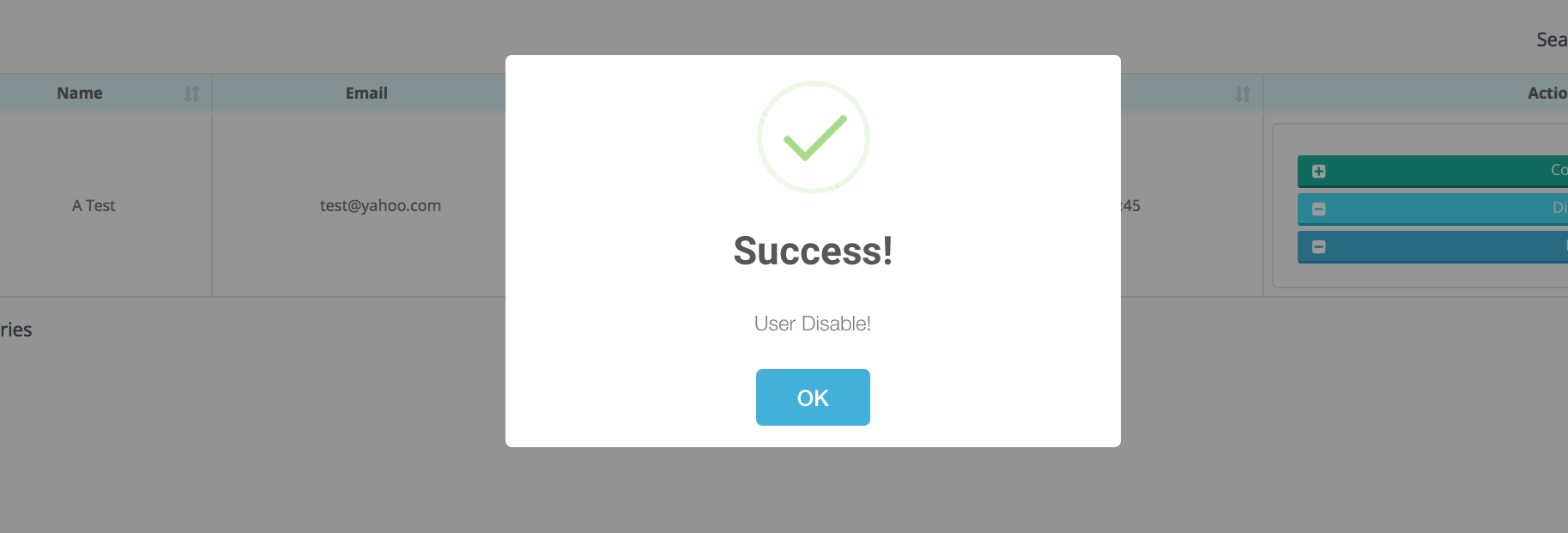
Figure 2.1.5iii. Edit : edit potential client record
If admin clicks “Edit” button an Edit Potential Client Record form will be displayed as shown in Figure 2.1.6 :
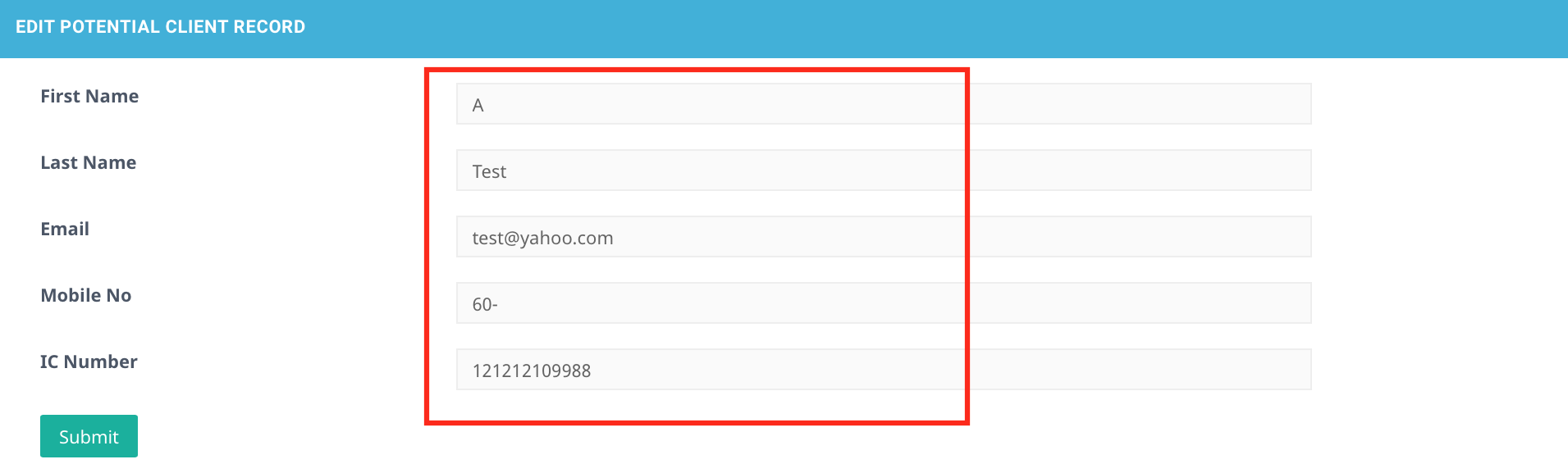
Figure 2.1.6All the fields are editable
Click Submit button to save changes made.
B. By Date
For example in Figure 2.17 if admin wish to search potential client by date, first click on toggle button make sure it is By Date(in red circle) :

Figure 2.1.7Based on Figure 2.1.8 choose From and To date (in yellow box); then click Search button (in blue circle).

Figure 2.1.8